
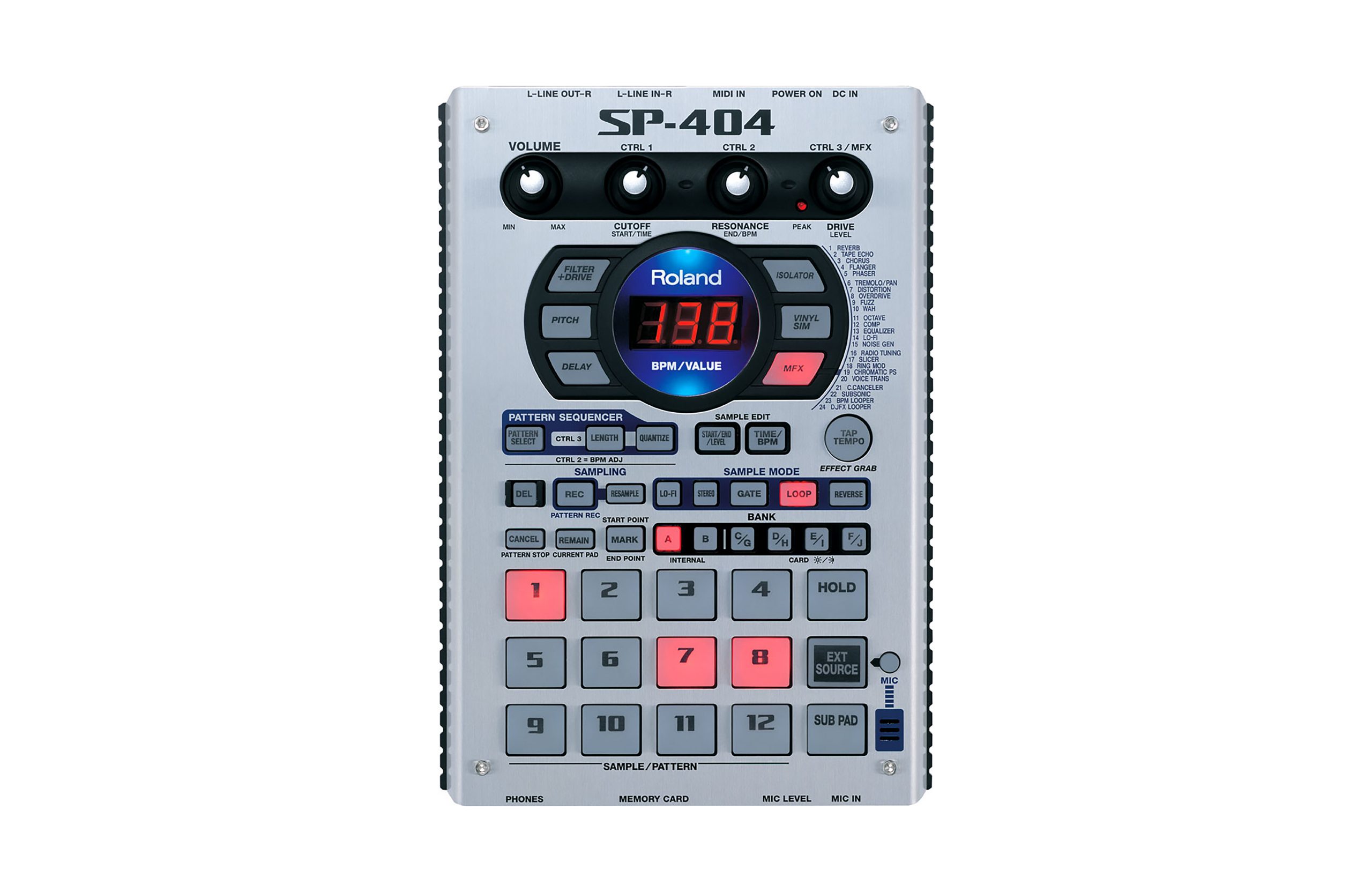
Roland SP-404
Main Article: Roland
Power Supply
- 9v 300ma (center negative)
CF Card Formatting
Format the CF Card on a computer to FAT32.
Insert the CF Card into the SP-404 and power on the unit.
While holding the [CANCEL] button, press [REMAIN]. “FMt” will appear on the screen.
Press [C/G]. The [DEL] button will begin flashing.
Press [DEL] to begin formatting the CF Card. When the dots on the screen stop flashing, formatting is complete.
You can now drag .WAV files onto the root directory of the CF Card from a computer. Files must be 16-bit with a 44.1kHz sample rate.