
Nintendo Entertainment System
NESFlix
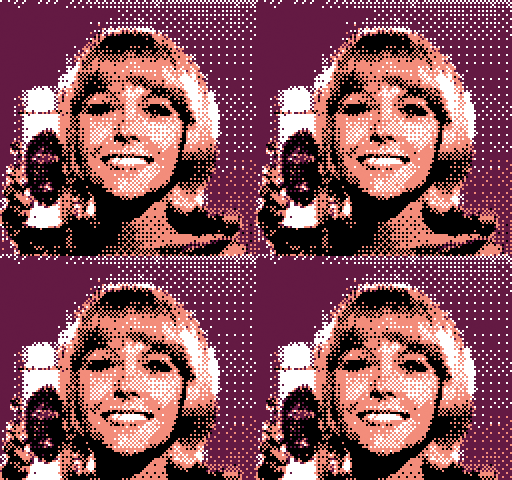
Guide
File Requirements
| File Format | Size | Max Frames |
| GIF | 128×128 | 64 |
Convert GIF with NESFlixTool to CHR format.
If you receive an error that “javaw.exe” is missing, you need to install Java.
Compile NES ROM
Set the number of frames in “nesflix_mmc3.asm” (line 214).
; set up number of frames

    ;clc
    lda #64 ; total # of frames - max 64
    sta fcount
    ;ASL
    ;ASL
    ;STA frames
Change “mmc3.chr” to your CHR file name and “nesflix_mmc3.nes” to your desired NES output file name in “mmc3_compile.bat” and run.
asm6 nesflix_mmc3.asm temp.bin
copy /b temp.bin+mmc3.chr nesflix_mmc3.nes
del temp.bin
pause